01
Install the extension
Add M3u8 Video Downloader to a supported desktop browser from the product page.
Convert and save M3u8 video streams as MP4 files locally using a browser extension that handles HLS detection and processing without external services.
M3u8 Video Downloader is a browser extension specialized in detecting M3u8 and HLS streams on web pages and converting them to standard MP4 files for offline use.
The extension monitors active pages for M3u8 playlist files, reassembles the segmented video data, and produces a single downloadable MP4 without requiring external conversion tools.
Because the entire HLS-to-MP4 conversion happens within the browser, no stream data is sent to remote servers during the process.
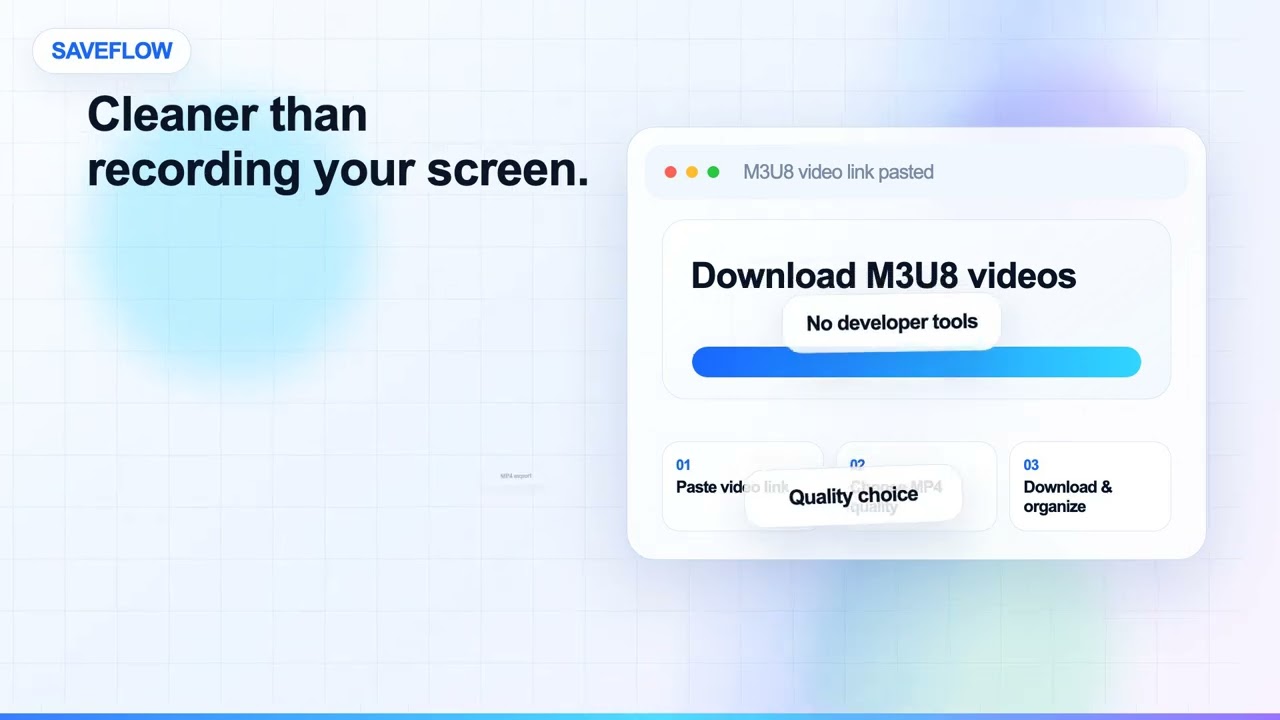
No command line, no screen recording, and no extra workflow outside your browser.
Add M3u8 Video Downloader to a supported desktop browser from the product page.
Navigate to a M3u8 page with video content you can already access.
Review the detected video sources and quality options in the extension panel.
Download your selected video as an MP4 file to your computer.
Core capabilities included in the downloader experience.
Captures M3u8 and HLS video streams in real time
Scans M3u8 pages to identify playable media streams and video sources.
Converts segmented streams to single MP4 files
Detected video is saved in MP4 format to your local downloads folder.
Shows stream quality levels for selection
Choose from available quality levels before starting the download.
Works across desktop browsers
Compatible with Chrome, Edge, Firefox, Brave, Opera, and other supported desktop browsers.
Designed for streams your browser can already access
The extension limits detection to content your current session can view.
Simple detect-and-save workflow
Open the page, let the extension find media, select quality, and download.
Available on major desktop browsers and operating systems used in day-to-day workflows.
Pick the browser build you need. When a direct GitHub release is available, you can grab the ZIP there.
Desktop extension
Install M3u8 Video Downloader for supported desktop browsers.
We recommend using the ZIP version from the GitHub release when available. It lets us ship the most complete build, including features that browser stores do not always allow.
See M3u8 Video Downloader in action across supported browsers.
Short, practical feedback from people using this downloader in real workflows.
The extension grabbed the M3u8 stream and converted it to a clean MP4 automatically. No command-line tools needed.
Raj Mehta
2026-02-12
M3u8 streams that other tools struggled with were downloaded smoothly by this extension.
Laura Svensson
2026-03-03
Having the HLS conversion happen in-browser instead of on some server is a major advantage for me.
Carlos Emilio Paz
2026-01-28
Install M3u8 Video Downloader, open a M3u8 page with video you can access, and use the extension to detect and save the video as MP4.
Better to know the boundaries up front than find out after checkout.
Only use the downloader for content you have rights or permission to save.
Availability depends on the media sources exposed by the current page.
Site layout changes can require extension updates.
Get better results with M3u8 Video Downloader. Practical tips for faster downloads, higher quality saves, and fixes for common issues.
Learn how to download M3u8 videos for offline viewing using a browser extension. Step-by-step guide with manual and extension workflows.
Bulk download M3u8 videos efficiently with gallery scanning and batch processing. Save time when archiving multiple files.